An idea does not have to arrive fully formed. Connect, compare and choose. Then pick up where inspiration left you.
1
Begin with a reference
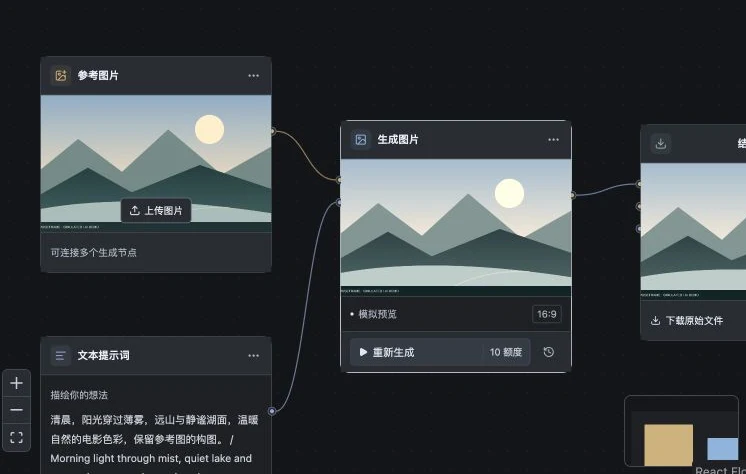
Bring in an image. Write down the frame you have in mind. Give your references and words a place to connect.
2
Compare, then choose
Keep previous results in your history. Select a direction, refine the prompt and take it one step further.
3
Take a frame into motion
Confirm the frame and cost before continuing to a short film. Save, download and come back to refine your project.
MuseFrameWorkspace
Local workspace · Simulated generation
Different starting points. One workspace.
Two templates to help you make your first connection.
Reference to imageIllustrative result
One frame. More possibilities.
Start with a reference. Shape the material, composition and light, then keep each exploration together in one project.
Creative direction
“Keep the translucent amber glass. Explore sidelight, stone and reflections.”
Product imageryVisual exploration
Image to motionIllustrative result
Wide
Subject
Lake
Give your next scene a starting frame.
Choose your frame, then shape the shot. Connect the image to a short-film workflow, with a deliberate choice at every step.
Creative direction
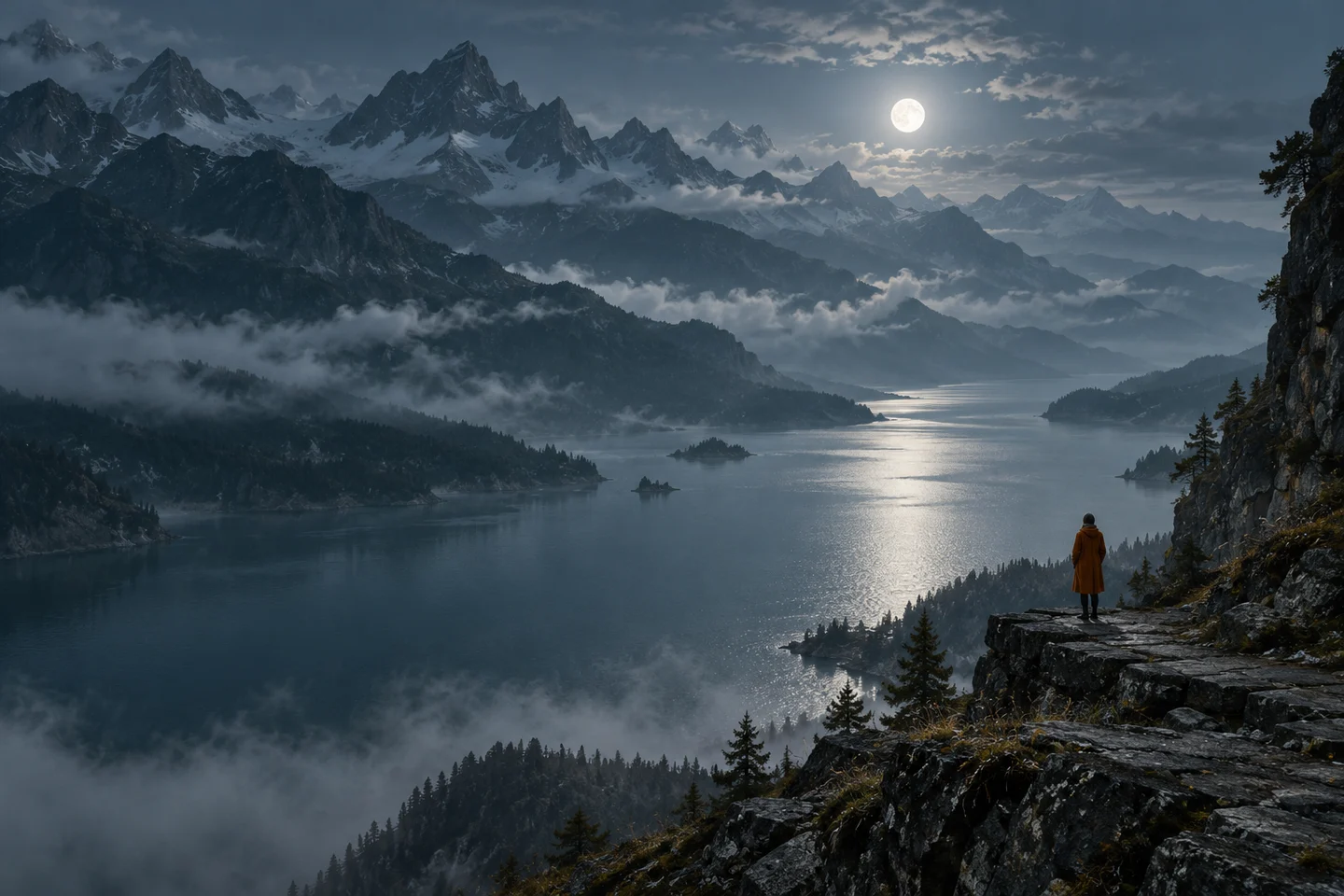
“A quiet mountain lake. A slow camera push as the mist moves gently across the water.”
Shot explorationImage-to-video workflow
All artwork illustrates the workflow. Motion is shown as static storyboards. Online generation is not available on this site.
A few things before your first frame.
What can I create with MuseFrame?
Organize references, explore image directions and take a selected image into a short-film workflow. The first version includes reference-to-image and image-to-motion templates. Advanced editing, voice-over, batch short dramas and team collaboration are outside the current scope.
Can I use the online workspace today?
This website introduces MuseFrame. The online workspace, registration, real AI generation and payments are not available yet. Workspace screenshots come from a local simulation, and demo artwork does not show real model performance.
Does browsing this website cost anything?
No. This website does not collect payments or call paid models. Pricing and usage terms will be explained before creation services open.
Can I browse on my phone?
Yes. The website, workflow examples and FAQ work on phones and computers. Availability and device support for the online workspace will be announced separately.
Does changing language change my data region?
No. Switching languages only changes the text on this website. Accounts and media uploads are not available here; data regions for future creation services will be explained separately.
Your next frame starts with an idea.
Explore the workflows and use cases. Find a direction for your next idea.